The dream of a Bangkok Airbnb is a unit that runs itself — guests let themselves in, cleaners turn it over, and you never hold a key or stand in a lobby at midnight explaining to a tired traveller why their code doesn't work. That dream is entirely achievable, but only if access and cleaning coordination are designed together as one workflow rather than bolted on separately. Self-check-in without a cleaning system is chaos; a brilliant cleaning system that the cleaner can't get into is useless. The two have to be one design. This guide covers lockboxes and smart locks, giving cleaners independent access without the host present, status updates and photo proof, and the condo juristic-office (นิติบุคคล) rules you must respect to keep operating legally in Bangkok.
Why access and cleaning must be one system
Self-check-in solves guest access — but only half the access problem. The cleaner needs to get in too, between checkout and the next check-in, often on a tight same-day window with a guest already messaging to ask if they can drop bags early. If your access plan only considers guests, your cleaner is left texting you for a code while a guest waits in the lobby and your phone is on silent in a meeting.
Design the two together and the unit becomes genuinely hands-off. The cleaner enters on their own dedicated access, completes the turnover, confirms in writing that it's ready, the next guest's code is issued, and they self-check-in to a verified-clean unit — all without you touching a key or being awake. The whole point is that no step routes through you in real time.
Lockbox versus smart lock
Two main access methods dominate Bangkok condos, and the right choice often depends less on price than on what your condo's juristic office permits. Many buildings have firm rules about altering the door hardware on a unit they consider part of the building.
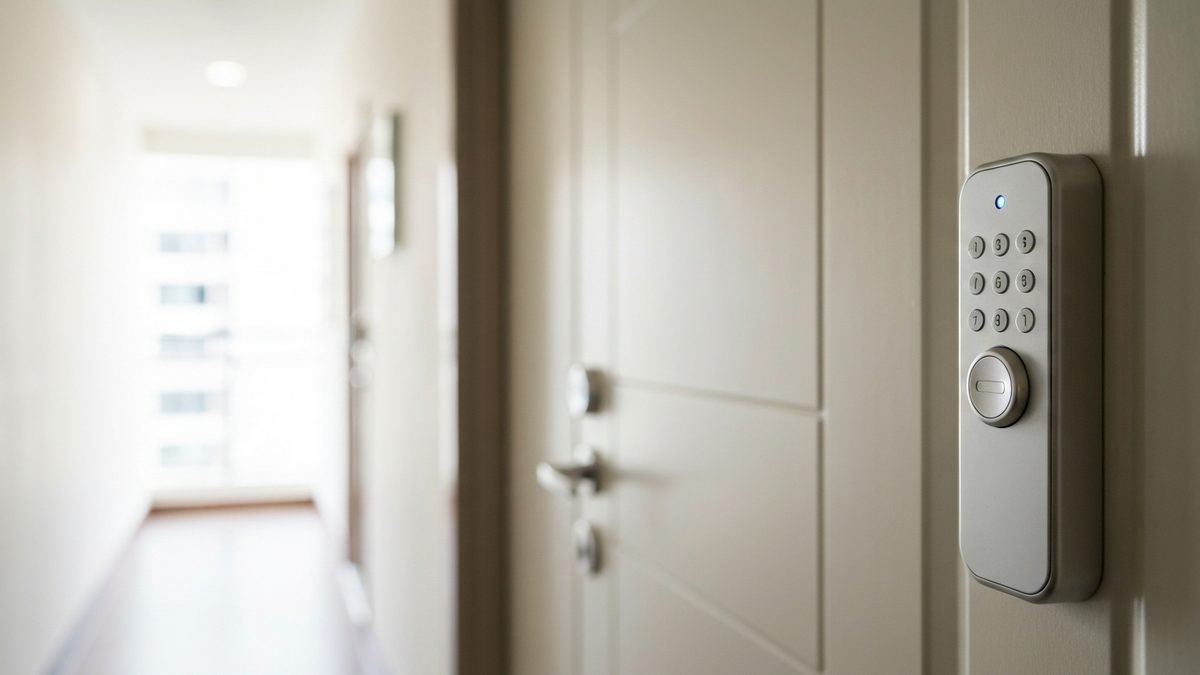
A lockbox is a physical key safe with a combination, usually mounted near the unit or in an approved location; a smart lock replaces or augments the door lock with codes you set and revoke remotely. Here is how they compare for a remote operation.
- Lockbox: cheap, no wiring, works even if the condo bans lock changes — but codes are shared physically and harder to rotate after every guest
- Smart lock: unique time-limited codes per guest and per cleaner, remote control, full access logs — higher cost and often needs juristic approval
- Hybrid: smart lock for guests, plus a backup lockbox key for cleaners and emergencies if the battery dies or the wifi drops
- Always keep one physical backup key accessible to your cleaning partner — smart locks fail at the worst moments
Giving cleaners access without you present
The whole point of a remote operation is that your cleaner enters independently, every time, without a phone call. Set this up deliberately so it stays secure and accountable rather than degenerating into a free-for-all where a single permanent code is known to a dozen past cleaners and guests.
Follow the sequence below to keep access controlled while staying genuinely hands-off. The principle is separation: cleaners and guests never share the same credential.
- Issue the cleaner a dedicated access code or lockbox combination, completely separate from any guest code
- Rotate guest codes after every single stay; keep the cleaner code stable but private to the cleaning team
- Share the building entry, lift access and unit access details in one written brief the cleaner keeps
- Require the cleaner to confirm entry and completion in your messaging channel, so you have a timestamped record
- If using a smart lock, review the access log periodically for any entry that doesn't match a scheduled turnover
Status updates and photo proof
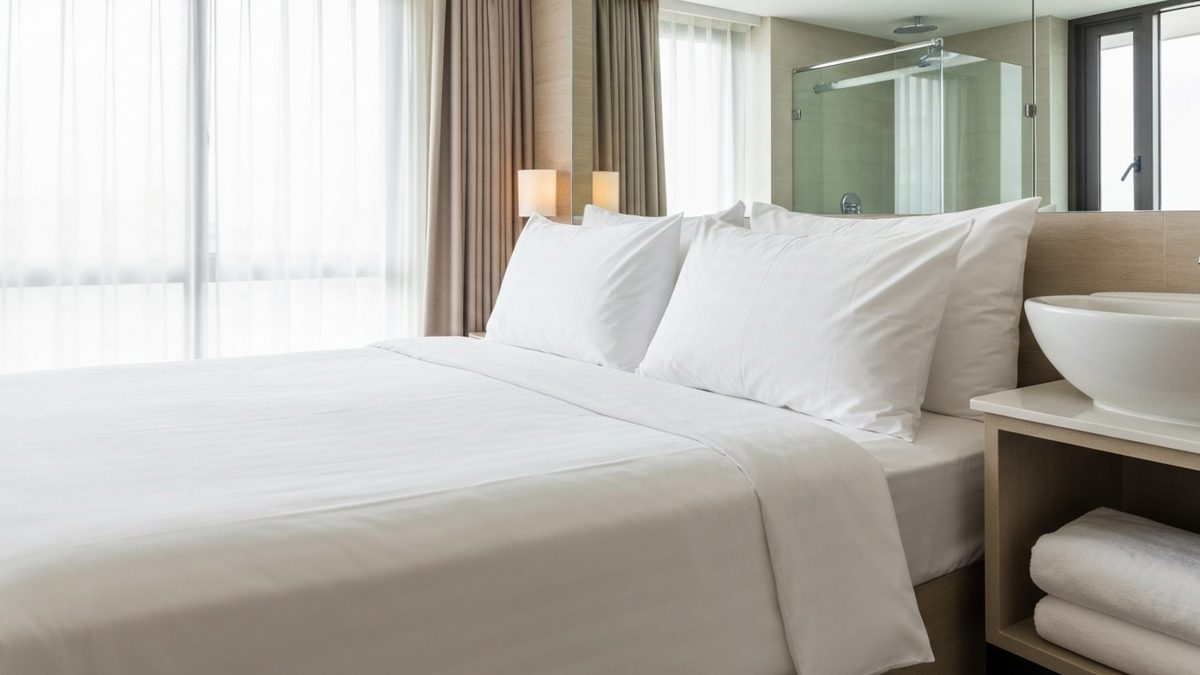
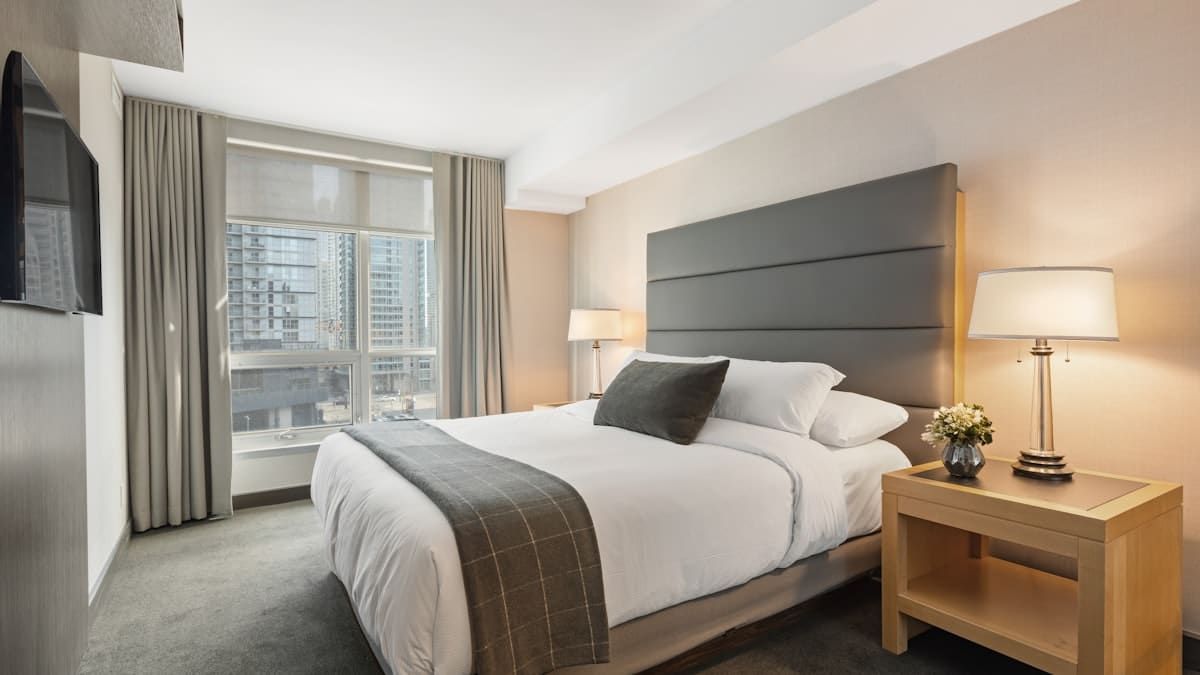
When you're not there, photo proof is your eyes and your insurance. A turnover isn't done until you've seen it — the made bed, the stocked bathroom, the clean kitchen, and any pre-existing damage noted before a guest can blame it on themselves. This protects you in guest disputes, confirms the unit is genuinely ready for self-check-in, and lets you catch a problem from your phone before a guest walks into it.
Build these touchpoints into every turnover so you always know the unit's exact status without having to ask or chase. Silence should never be your only signal that a job is done.
- Arrival ping: cleaner confirms they're on site and starting
- Completion message: turnover finished, unit ready for the next guest
- Photo proof: bed, bathroom, kitchen, and any damage noted with a timestamp
- Restock confirmation: consumables and linen topped to par
- Issue flag: anything broken, missing, or needing host attention before check-in
Condo juristic office rules you must respect
This is where many Bangkok hosts get caught out, sometimes expensively. The condo's juristic office (นิติบุคคล, nitibukkon) governs the building, and many have explicit rules about short-term rentals, key handling, lock alterations, and visitor registration. Ignoring them risks fines, a frozen key card, being barred from the lift to your own floor, or losing the right to operate from that building entirely.
Coordinate your access and cleaning plan with the building's rules from the very start, not after a warning letter. Note too that Thailand's Hotel Act restricts paid stays under 30 days in many buildings, and condo by-laws often reinforce this — understand your legal position before you scale. A good cleaning partner already knows how to work within juristic-office procedures, register cleaners correctly, and avoid the front-desk friction that gets hosts noticed.
- Some buildings ban lock changes outright — a lockbox in an approved spot may be your only legal option
- Visitor or cleaner registration at the front desk may be required before each entry
- Key-card or lift access for guest floors may need juristic sign-off and a registered card per guest
- Short-term rental itself may be restricted under building by-laws and the Hotel Act
- Always confirm in writing what's permitted before installing any smart lock or lockbox
A clean remote-turnover day, start to finish
Tied together, here is what a fully coordinated, host-absent turnover day looks like in a Bangkok condo. Every step happens without you leaving home or interrupting your day — that is the test of whether your system is truly remote.
Notice that the only thing you do is glance at the photos. Everything else runs on the access and proof system you built once.
- Guest checks out using their unique code; that code is automatically retired or the lockbox combination is reset
- Cleaner enters with their dedicated, separate access and confirms arrival in the channel
- Turnover clean, linen change and consumable restock are completed to the checklist
- Cleaner sends photo proof and flags any issues needing host attention
- A new unique guest code is issued and the next guest self-checks-in to a verified-clean unit
Building it without the headaches
You can assemble all of this yourself, and plenty of hosts do for a single unit. But the access-and-cleaning handoff is exactly where DIY remote hosting tends to break down — a code that wasn't rotated, a juristic-office surprise on a Sunday, a flat smart-lock battery, or no photo proof on the one day a guest claims the unit was filthy. Each of those is a phone-call emergency precisely when you wanted to be hands-off.
A cleaning partner who already coordinates access, sends proof on every job, and respects building rules removes the fragile link in the chain. See how our turnover service handles coordinated access and photo proof on /services, compare pricing on /pricing, or read more host operations guides on /blog. Questions about your specific building's rules are welcome via /contact.
Frequently Asked Questions
How does my cleaner get in if I'm not there?
Give the cleaner a dedicated access code or lockbox combination, completely separate from guest codes. They enter independently, confirm arrival and completion in your messaging channel, and send photo proof. Rotate guest codes after each stay while keeping the cleaner's access stable but private to the cleaning team, so no single permanent code ends up shared with dozens of past guests.
Lockbox or smart lock — which is better for a Bangkok condo?
Smart locks give unique time-limited codes and full access logs but cost more and often need juristic-office approval to alter the door hardware. Lockboxes are cheap and work where lock changes are banned, but codes are harder to rotate after every guest. Many hosts use a smart lock for guests plus a backup lockbox for cleaners and for when the smart lock's battery or wifi fails.
What condo rules do I need to check before going fully self-check-in?
Check whether the building bans lock changes, requires cleaner or visitor registration at the front desk, controls lift and floor access with registered key cards, or restricts short-term rentals in its by-laws. Thailand's Hotel Act limits paid sub-30-day stays in many buildings, so confirm your legal position in writing with the juristic office (นิติบุคคล) before installing anything.
Why is photo proof important for remote hosting?
When you're not on site, photos of the made bed, stocked bathroom and clean kitchen confirm the unit is genuinely ready for self-check-in and protect you in any guest dispute about cleanliness or damage. Make timestamped completion photos a required, non-negotiable step of every turnover — silence should never be your only signal that a job got done.
What happens if my smart lock fails on a turnover day?
This is exactly why you keep a backup physical key in a lockbox accessible to your cleaning team. Smart locks fail on dead batteries or dropped wifi at the worst moments. With a hybrid setup the cleaner simply falls back to the lockbox key, completes the turnover, and you replace the battery on the next visit — no blocked check-in.
Ready to run your Bangkok Airbnb hands-free? CLEANROVA coordinates cleaner access, status updates and photo proof so every self-check-in lands on a verified-clean unit. Get started on /pricing or reach us via /contact.